

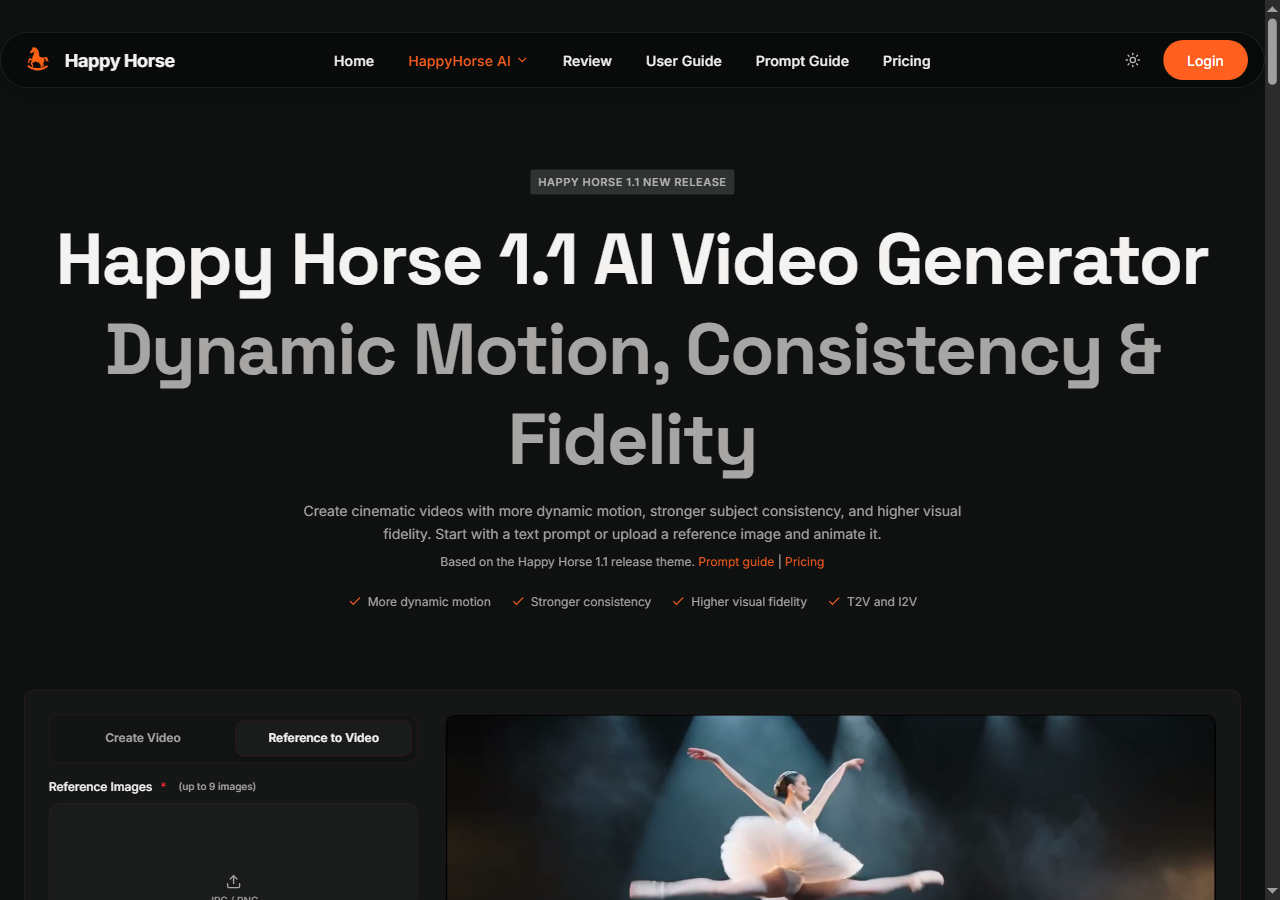
happyhorse 1.1 turns text, images, or references into smooth 1080p AI videos with synced sound, stronger motion, and more stable visual consistency.
About
happyhorse 1.1 is an upgraded AI video generator for creators, marketers, product teams, and small studios that need fast visual tests without moving between several tools. The product turns text prompts, source images, and visual references into short 1080p videos with synchronized sound, smoother motion, and stronger scene consistency. It is built for practical production work: social clips, campaign concepts, product demos, landing page visuals, storyboards, and quick creative iterations.
The main improvement in happyhorse 1.1 is motion quality. Users can describe camera pushes, orbit shots, tracking movement, subject gestures, atmosphere, and pacing, then use the generator to produce clips that feel more dynamic than a static image animation. This is useful when a team wants to test several creative directions before committing budget to a full video workflow. Instead of waiting for a traditional edit, a user can create a prompt, review the result, adjust the framing or motion, and generate another version.
happyhorse 1.1 also focuses on consistency. When users start from an image, the model is designed to preserve more of the source identity, product details, character shape, lighting mood, and environment. That makes it easier to animate a product image, a branded visual, or a reference scene without losing the key elements that made the original asset useful. For prompt-only creation, the tool helps maintain clearer surfaces, cleaner backgrounds, and more stable subjects across the generated clip.
A typical workflow starts with a concise prompt that defines the subject, setting, camera movement, and desired mood. A creator might ask for a smooth push-in on a product with cinematic lighting, a short social video with energetic movement, or a quiet atmospheric scene for a landing page hero. If an image is available, the image-to-video workflow can animate it while preserving the original composition. After reviewing the first result, users can refine the prompt for stronger motion, slower pacing, different lighting, or a more polished visual style.
The tool is especially useful for people who need to move from idea to testable video quickly. Marketers can create campaign variations, founders can build demo visuals for a product page, designers can test motion concepts, and content creators can produce short-form clips without a heavy editing setup. Because the product offers a free starting point and does not require sign-up for basic trials, it is accessible for quick experiments as well as repeat creative work.
Key strengths include smoother camera push, orbit, and tracking shots; better tempo for short-form clips; more stable characters and products; improved source-image preservation in image-to-video generation; cleaner continuity across iterative prompt tests; and more detailed surfaces, lighting, and environments. The result is a practical AI video workflow for turning concepts into polished motion assets with less friction.