

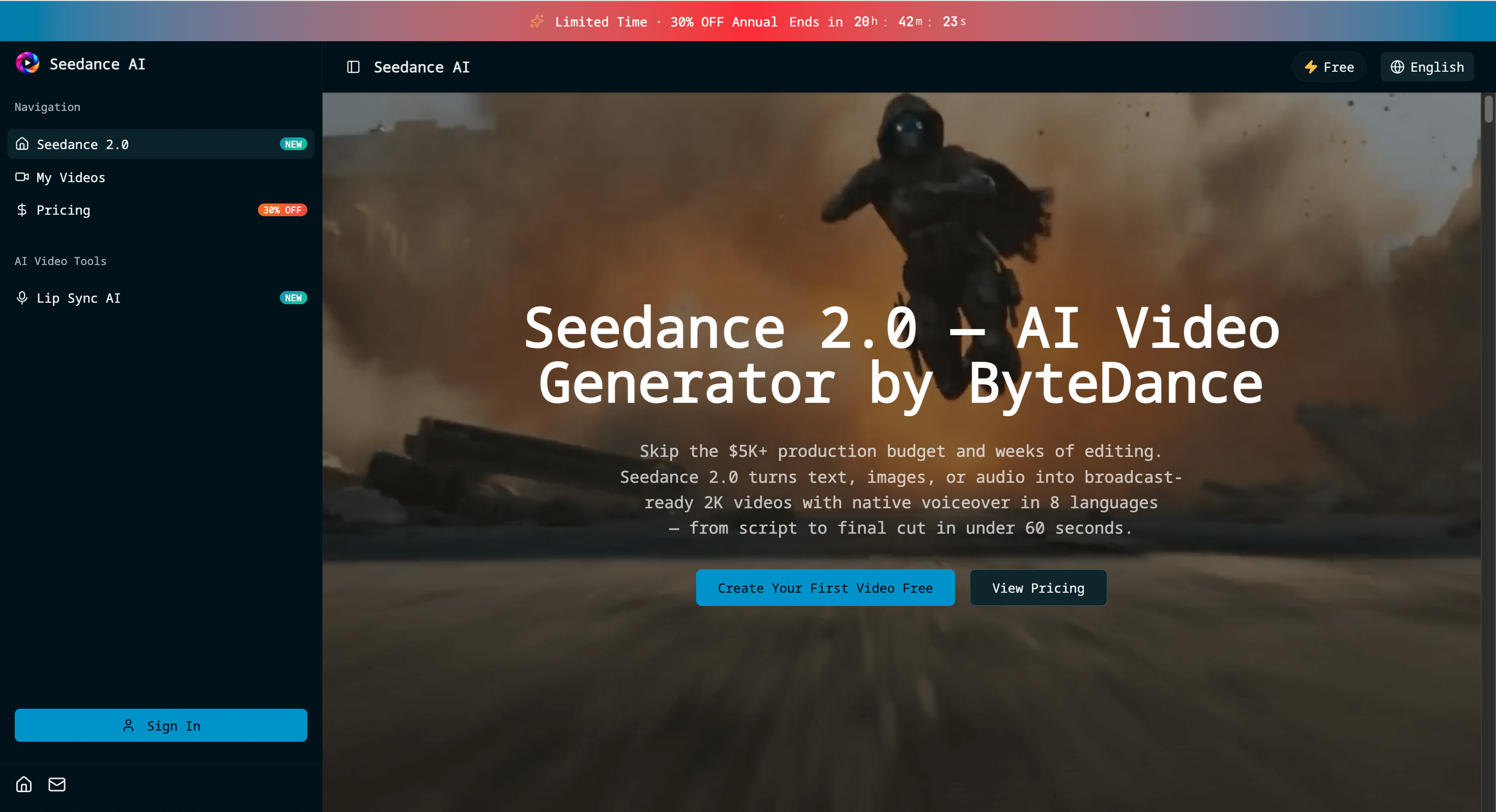
Seedance 2.0 creates cinematic AI videos with multi-modal input, native audio in 8 languages, and 2K export. Free Seedance AI video generator.
About
Seedance 2.0 is a multi-modal AI video generator powered by the Seedance (ByteDance) video model—built to turn text, images, audio, or clips into cinematic short videos with strong prompt-following and smooth motion.
What you can do
Text → Video / Image → Video / Audio → Video / Video → Video
Create multi-shot narratives (not just single shots): scenes that feel like a real sequence
Add native audio (dialogue / SFX / ambience) for more “finished” outputs
Lip-sync support for multiple languages (great for dubbed content)
Director-style edits: tweak a scene with a single instruction (change object, character, camera angle, mood) without restarting everything
Export high-quality results suitable for marketing, social, and product demos
Best for
Short-form creators (TikTok/Reels/YouTube Shorts)
Performance ads & creative testing
Product promo videos and landing-page hero clips
Storyboarding, pre-visualization, and concept videos
How it works
Describe your scene (or upload a reference image / audio / clip)
Choose duration / aspect ratio / quality
Generate, then iterate with targeted edits until it’s right
What makes Seedance 2.0 unique?
Seedance 2.0 focuses on multi-modal creation + iterative control: you can generate videos from text, images, audio, or existing clips, then refine results with small, targeted edits (camera, style, objects, pacing) instead of starting over. The goal is to help creators move from “first draft” to “publish-ready” faster.
Pros & Cons
Pros
Multi-modal video generation (text/image/video) in one workflow
Fast iterate-and-refine loop with “director note” style edits
More consistent look across variations compared to re-prompting from scratch
Great for short-form content: ads, Shorts/Reels, product demos
Video-to-video transforms for restyling and controlled edits
Simple export-ready outputs for social and marketing use
Cons
Best results require some prompt practice, especially for complex scenes
Generation speed/quality depends on settings (longer or higher-quality runs may take more time)
Not a full traditional editor—advanced frame-level editing is limited
Free to try: https://aiseedance.pro/